Review a menu before you order
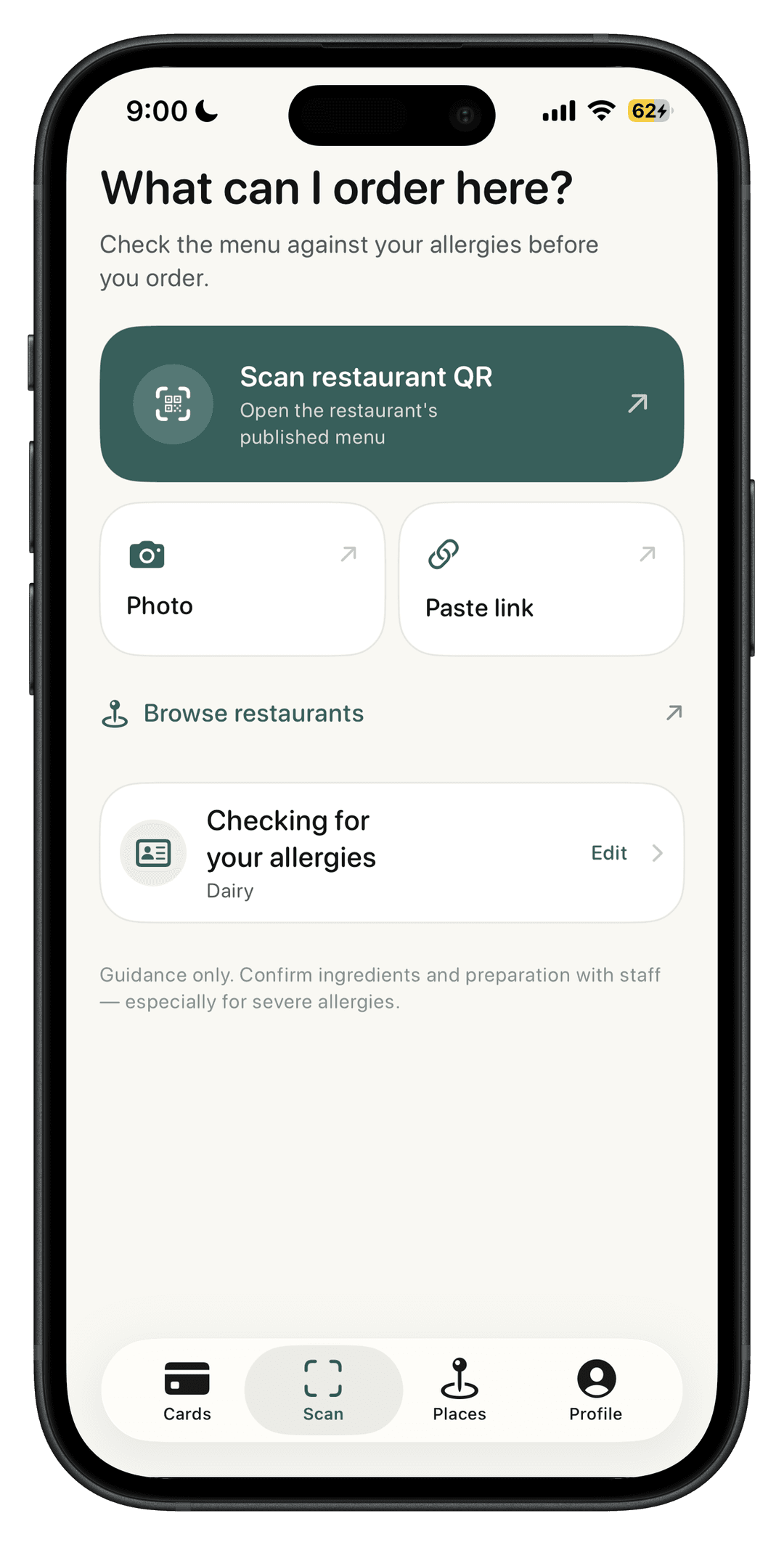
Scan a restaurant QR code, paste a menu link, or photograph a printed menu. Compare it with your saved diner profile and see Safe, Ask First, and Avoid guidance before you order.
Start on the web with your profile, or use the iPhone app when you want to point your camera at the menu. Results help you decide what to ask about; they do not replace a conversation with restaurant staff.
What a menu scan can tell you
Likely contains
Spot dishes that may include your allergens so you know what to avoid or ask about.
Likely substitute
Find items you can often order with a simple modification, like no sauce or on the side.
Looks compatible — still verify
See options that appear compatible with your profile, then confirm ingredients and preparation with staff.
Supported allergens
Your saved profile powers both free food allergy cards and menu scan results.
FAQ
Is the allergy menu scanner really free?
Yes. Food Allergy Options is free for life, including the allergy menu scanner, unlimited food allergy cards, and restaurant ratings.
What does the menu scanner show?
After you scan a restaurant menu, the app groups dishes into likely contains, likely substitute, and likely safe based on your saved allergy profile.
Can I use Food Allergy Options without the iPhone app?
Yes. You can create free food allergy cards on the web, save an allergen profile when signed in, and scan a menu photo from that profile. The iPhone app still offers the fullest camera experience.
Should I trust scan results instead of asking the restaurant?
No. Scan results are guidance. Always confirm ingredients, cross-contact, and preparation with restaurant staff before ordering.
Download Food Allergy Options
Get the free iPhone app to scan menus, create multilingual allergy cards, and find allergy-friendly restaurants near you.